All users have access to applicant quick status pages.
Quick status is a way to flag an applicant account for immediate action. Notes created on the status page (Quick Notes) cause an automatic popup message to open any time a user visits an applicant's individual file page, or his notes.
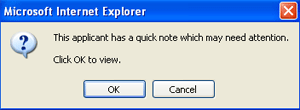
In addition, quick status shows an applicant's current status to any user, in a view only mode. This is helpful, for example, if a receptionist calls up an applicant's quick status at a front desk situation, where some assistance needs to be rendered to an applicant immediately.
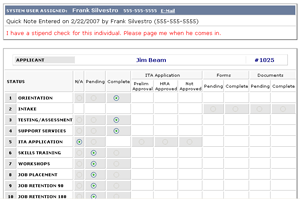
Maybe a stipend allocation clerk is holding a check for an applicant, to be hand delivered when the applicant comes in. A receptionist would know this immediately (and what to do about it) as soon as the quick status page was opened.
To access quick status...
 Click the quick status icon (top of home page)